I always wonder that people don’t care about what the companies behind the popular search engines do with their data. but, at least for searching the web, there is an alternative which protects your privacy: startpage.com.

if you want to read a little summary, check this: aboutstartpage

and if you want to read even more, check this: First European Privacy Seal Awarded

plugins for most of the popular browser are available here.

there is a white paper which you definitely should read before you think about running an oracle database on zfs:

Configuring ZFS for an Oracle Database

fixing things afterwards might be tricky …

surprisingly less and less people seem to know this: the first six digits of a mac address identify the hardware vendor.

so, if you want to identify the vendor for a specific mac address just head over to IEEE and perform a search using the first six digits of the mac address.

or download the complete vendor list: oui download

while randomly browsing the oracle documentation I came across this sentence: “By definition, a schema name need not be just a simple SQL name. For example, “FIRST LAST” is a valid schema name.”

if this is true creating a database user consisting of two words must be possible:

create user "two words" identified by "blubb";
USER CREATED

works …

...ouch

if you want to know who is currently logged into the system and what they are doing, just type “w”:

/usr/bin/w
[root@xxxxxx ~]# w
 18:08:06 up  3:58,  5 users,  load average: 0.14, 0.05, 0.02
USER     TTY      FROM              LOGIN@   IDLE   JCPU   PCPU WHAT
root     tty1     -                17:18   50:04   0.04s  0.04s -bash
root     pts/0    10.0.2.2         18:05    0.00s  0.05s  0.00s w
test1    pts/2    10.0.2.2         18:07    1.00s  0.03s  0.03s -bash
test2    pts/3    10.0.2.2         18:07    4.00s  0.06s  0.01s ping localhost
test3    pts/4    10.0.2.2         18:07   28.00s  0.09s  0.05s vim

… and to have some fun: if you want to send a message to e.g. the test1 user:

echo "i'll be watching you" >> /dev/pts/2

this will print the message on the test1 user’s screen:

[test1@xxxxxx ~]$ i'll be watching you

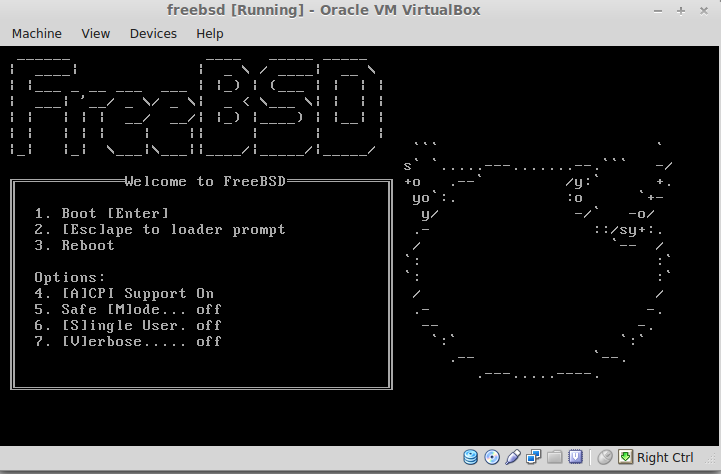
if you want to play around with freebsd here is a small intro:

  • download the cd iso from the website
  • create a new virtualbox machine all with the defaults
  • follow the freebsd installation process all with the defaults

if everything went fine you are presented with a shell after installation. to make it a bit more comfortable you may execute the commands below to create a user, configure the package repository and install kde4 ( if you prefer gnome or xfce check the documentation and adjust the commands below ):

bash
# in case you are behind a proxy
export http_proxy=[proxy]:[PORT]
# boostrap system for pkgng
cd /usr/ports/ports-mgmt/pkg
make
make install clean
# create the index
cd /usr/ports
make fetchindex
# set repository to use
export PACKAGESITE=http://ftp.freebsd.org/pub/FreeBSD/ports/amd64/packages-9-stable/Latest/
# install x11 and desktop environment
pkg_add -r xorg
pkg_add -r kde4
pkg_add -r virtuoso
echo "exec /usr/local/kde4/bin/startkde" > ~/.xinitrc
# enabling hal and dbus for keyboard and mice detection
echo "hald_enable=\"YES\" " >> /etc/rc.conf
echo "dbus_enable=\"YES\" " >> /etc/rc.conf
# enable kdm autostart
echo "kdm4_enable=\"YES\" " >> /etc/rc.conf
# misc ( virtual box addons for getting a higher resolution when running 
# as virtual box guest )
pkg_add -r virtualbox-ose-additions
echo "vboxguest_enable=\"YES\" " >> /etc/rc.conf
echo "vboxservice_enable=\"YES\" " >> /etc/rc.conf
# add sudo
pkg_add -r sudo
# mount /proc filesystem
mount -t procfs proc /proc
echo "proc            /proc           procfs  rw      0       0" >> /etc/fstab
# adding a user
mkdir -p /home/testuser
pw group add testuser
pw user add -n testuser -d /home/testuser -g testuser -s /usr/local/bin/bash
chown testuser:testuser /home/testuser
passwd testuser
echo "exec /usr/local/kde4/bin/startkde" > /home/testuser/.xinitrc
echo "%testuser ALL=(ALL) ALL" >> /usr/local/etc/sudoers
# install some software
pkg_add -r vpnc
pkg_add -r rdesktop
pkg_add -r KeePassX
pkg_add -r firefox
# get security patches and updates
freebsd-update fetch
freebsd-update install
# reboot and have fun
reboot

happy freebsding:

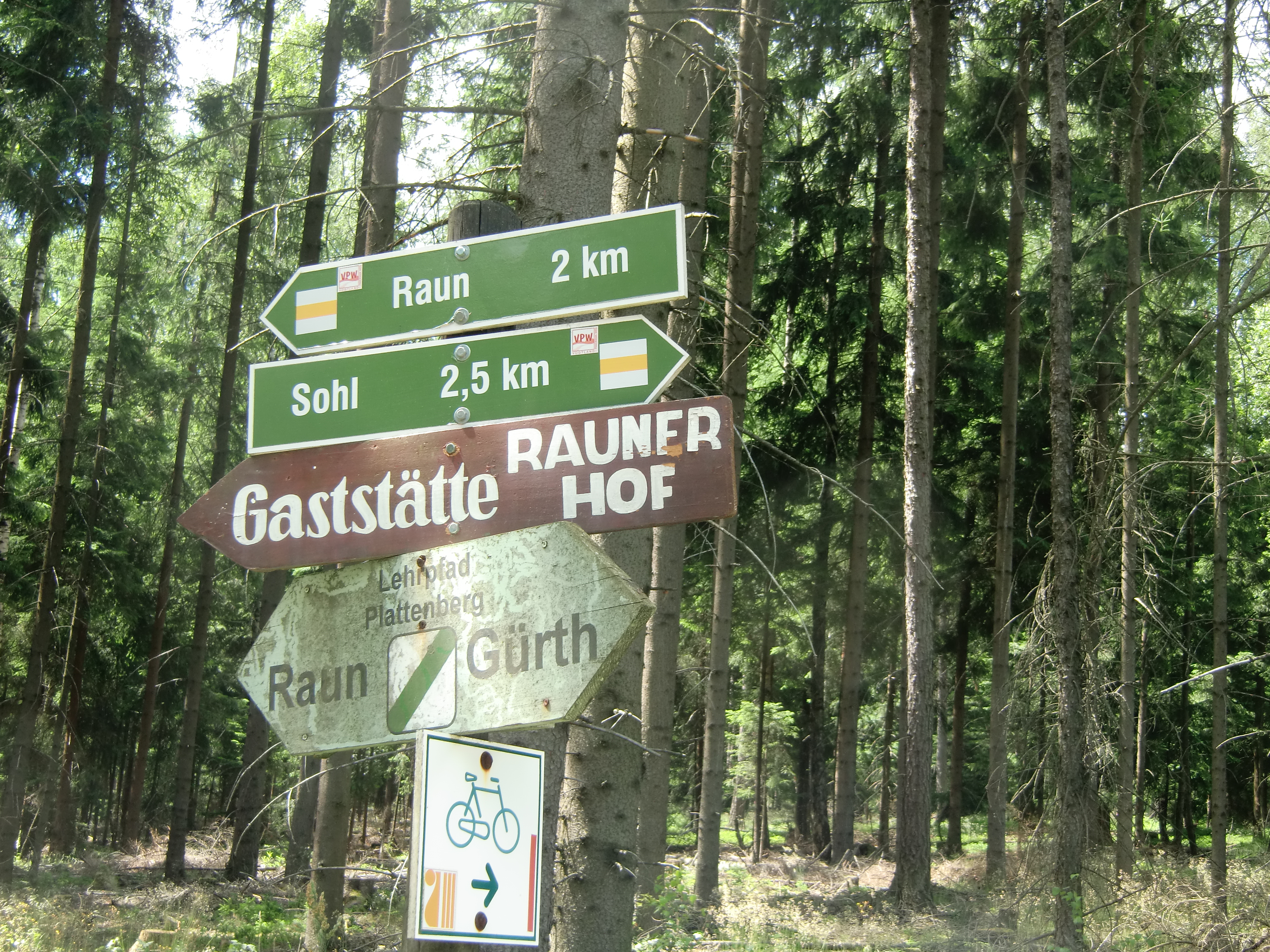
which way to choose ?

which way to choose ?

if you are on linux/solaris and sar is configured and running on your system there is a nice utility called kSar which can be used to create graphs of the various statistics sar gathered. this can be very handy if you are looking for peaks and want to have a quick overview what happened on your system.

installing kSar is just a matter of unzipping the provided package and either executing the run.sh script or use java directly to execute the jar file:

java -jar kSar.jar

this will start ksar and you may load the sar files for having a look at the statistics:
standard

another option is to generate a pdf:

java -jar kSar.jar -input '/var/log/sa/sarXX' -outputPDF today.pdf

pdf

and even faster: create a bash function and an alias in your .bashrc:

ksarfunc() {
java -jar PATH_TO/kSar.jar -input "$1" -outputPDF today.pdf
}
alias ksar='ksarfunc'

… and you will be able to quickly generate a pdf for a specific sar file:

ksar /path/to/sar/file

a much more comprehensive tutorial for sar and ksar can be found here.

we faced an interesting performance issue last week. the situation was ( 11.2.0.2 on Linux x64 ):

  • every day at the same time there was ORA-1652 reported in the alert log
  • at the same time ORA-12012 was logged

figuring out what the job executes and extracting the statement which caused this was not a big deal. as we did not know the password for the user in question we tried to reproduce this like:

alter session set current_schema=THE_USER_IN_QUESTION;
-- exec statement

when we looked at the execution plan nothing seemed to be wrong. the statement executed in a fraction of a second and the right indexes were used. all fine. our next guess was that the data might change just before the job starts so we executed the statement at the same time the job starts. but again, everything was fine. but the same error messages where logged to the alert log from the job execution. at this point it was almost clear that the optimizer environment is somehow different when the user executes the statement. ok, time to request the password for the user and to test in a real environment ( another option would have been to generate the execution plan out of the awr data ). and suddenly the statement took almost seven minutes to complete. what happened?

looking at the execution plan again no index was used and the problematic part was this one:

1 - filter(NLSSORT("A",'nls_sort=''BINARY_CI''')=HEXTORAW

a quick check over dba_source figured out the issue:

create trigger my_trg after logon on schema
begin
  execute immediate 'alter session set NLS_COMP=LINGUISTIC';
  execute immediate 'alter session set NLS_SORT=BINARY_CI';
end;
/

this caused the statement to consume huge amounts of temp space ( it was a “create table as select where” statement ), no index could be used and the execution time bumped up from nearly zero to around seven minutes.

the documentation clearly says: be careful when setting this as this might change the execution plans and normal indexes can not be used.

simple test case:

drop table t1;
create table t1 ( a varchar2(100), b number );
insert into t1
with blubb as 
( select lpad('A',100,'A')
       , trunc(dbms_random.value(1,10000))
    from dual
   connect by rownum < 10001
)
select *
  from blubb;
create index i1 on t1(a);
update t1
   set a = lpad('B',100,'B')
 where mod(b,77) = 0;
commit;
set autotrace on;
select *
  from t1
 where a = lpad('B',100,'B');
alter session set NLS_COMP=LINGUISTIC;
alter session set NLS_SORT=BINARY_CI;
select *
  from t1
 where a = lpad('B',100,'B');
alter session set NLS_COMP=BINARY;
alter session set NLS_SORT=BINARY;